
Step 01
Upload your audio files
Add one or more audio files from your device. The converter supports popular formats such as MP3, WAV, OGG, AAC, AIFF, M4A, WMA, and FLAC.
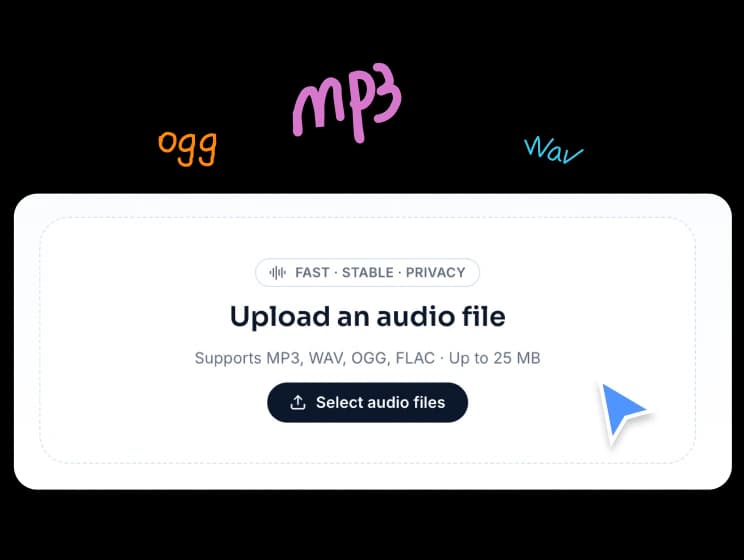
Convert audio formats directly in your browser. Batch process files, choose the output format, and download results without uploading audio to a backend server.
Supports MP3, WAV, OGG, AAC, AIFF, M4A, WMA, FLAC · Up to 50MB per file · Batch convert in browser
Conversion runs locally in your browser for supported files. Your audio is not uploaded to a backend server for processing.
FreeTTS Audio Converter lets you upload multiple files, choose one output format, and convert audio directly in your browser with a simple batch workflow.
Add one or more audio files from your device. The converter supports popular formats such as MP3, WAV, OGG, AAC, AIFF, M4A, WMA, and FLAC.
Select the format you want to convert to, including MP3, WAV, OGG, AAC, AIFF, M4A, or FLAC. All files in the queue will use the same output format.
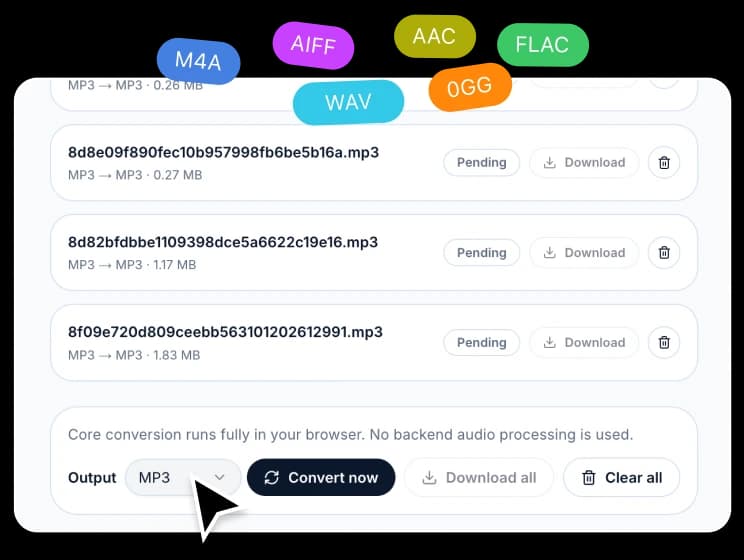
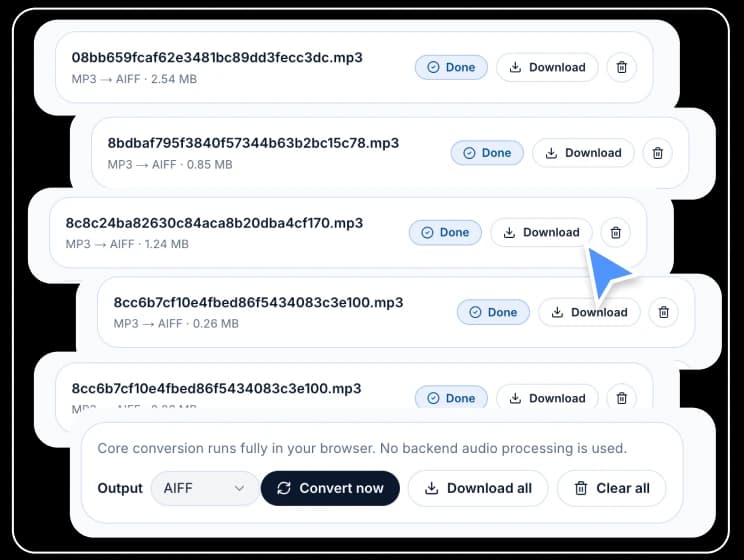
Start batch conversion in your browser, then download each converted file one by one or save all completed files together as a ZIP file.
Built for fast audio conversion, easy batch processing, and private local browser use, FreeTTS helps you change audio formats without a complicated workflow.
Your conversion runs locally in the browser, so you can process files without uploading audio to a backend server.
Upload several files into one queue, choose a target format once, and convert them together in a single workflow.
FreeTTS Audio Converter works with common formats like MP3, WAV, OGG, AAC, AIFF, M4A, WMA, and FLAC for flexible everyday conversion.
Download finished files individually, save completed results in a ZIP file, remove single items, or clear the whole queue before starting again.
Find answers about supported formats, browser-based conversion, batch processing, downloads, and queue behavior in FreeTTS Audio Converter.